02 / Virtual models
Your fashion. Our AI models.
Upload a garment and choose who wears it, where and how. The garment stays true to your photo: colour, fabric, cut, logos and prints.
AI connection pending configuration


01Upload your garment
JPG, PNG or WebP · max 15 MB02Choose your model
Model looks (examples)The looks are examples to guide the style. The AI creates a new, fictional adult model based on your choices.
03Scene and pose
Scene
Pose
Framing
04Style and output
05Generate
You confirm the cost before generating. If a generation fails, the credits are returned automatically.
Model looks
Every style, every body.
Examples of the looks you can create. Demo images, not live results.
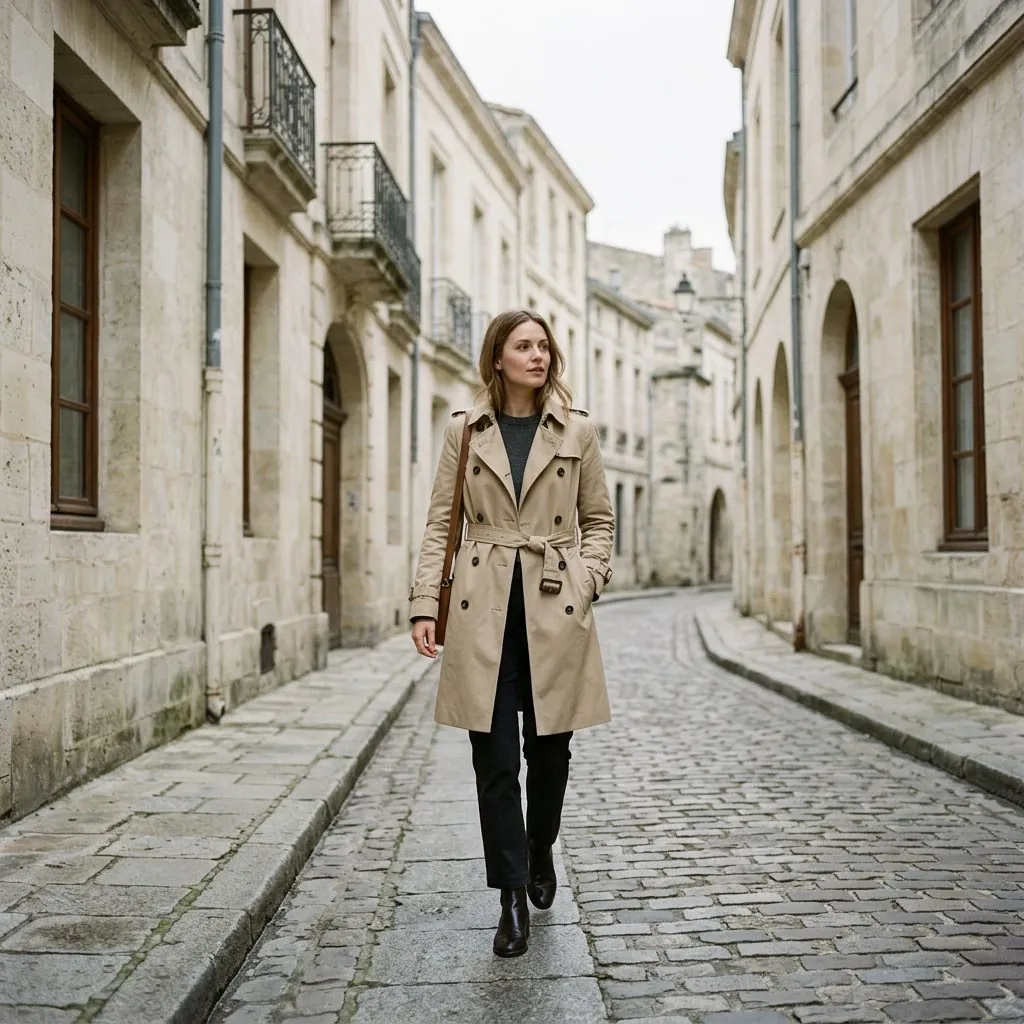
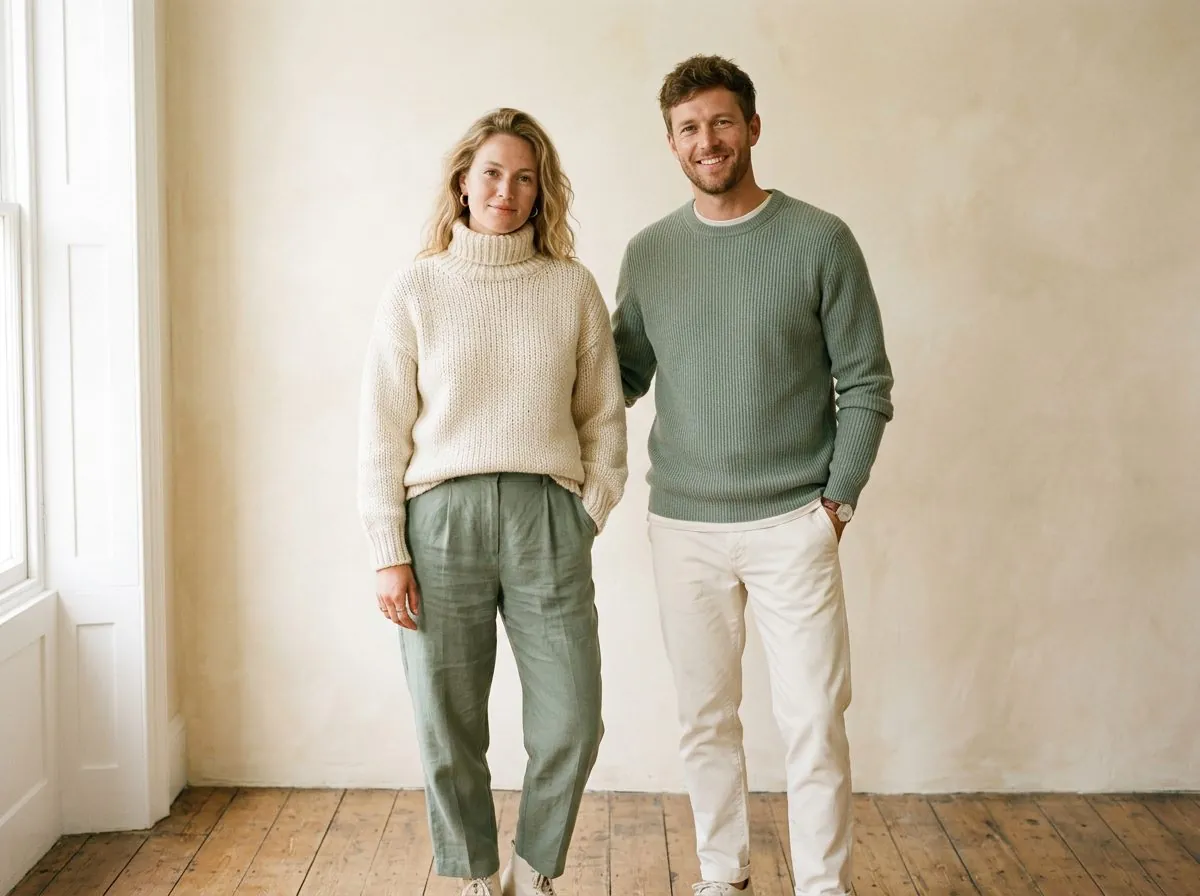


Demo images that show the style of each studio. They are not live AI results from your account.
FAQ
Questions, answered.
Anything else? Write to us at asiakaspalvelu@tavarapop.fi. We reply by email within 48 hours.
How does Tavarapop work?
You upload a photo, choose the options (style, background, model, format), see the credit cost and confirm. The image is created by a specialised AI image service and saved privately in your account, where you can download it.
How do credits work?
Each monthly plan adds its credits to your account every month, and they work in all studios. Each generation uses credits depending on the studio, quality and number of variations. The cost is always shown before you start. Unused credits stay in your account, also after you cancel.
What is the difference between Standard, HD and Ultra?
Standard is fast and great for social media. HD and Ultra give a higher resolution and more detail for shops, ads and print, and use more credits. HD and Ultra are included in the Creator and Studio packs.
Can I use the images commercially?
Yes, you can use the images you create for your own business, shop and marketing, as described in the terms. You must own the rights to the photos and logos you upload.
Which files and formats are supported?
You can upload JPG, PNG or WebP up to 15 MB, at least 300 px on the short side. You can create square (1:1), portrait (4:5) and landscape (16:9) images.
What happens to my photos?
Your uploads and results are stored privately and are only visible in your account. To create an image, your photo is sent securely to the AI service that does the generation. We never sell your images or use them in our gallery without permission.
How do I cancel or change my plan?
In your account, under Billing, use “Manage subscription” to cancel or change your card. The plan stays active until the end of the month you paid for and is not renewed after that. If you switch plans, the new price and credits start at your next renewal.
What if a generation fails or I do not like the result?
If a generation fails, the credits are returned automatically. If you do not like a result, change the options or use “Regenerate” for a new version; each new generation uses credits.
Can I order printed merch?
You can already design, save and download your merch and prepare an order. Printing and shipping through our print partner are being set up; until then, orders are saved as drafts and nothing is charged.